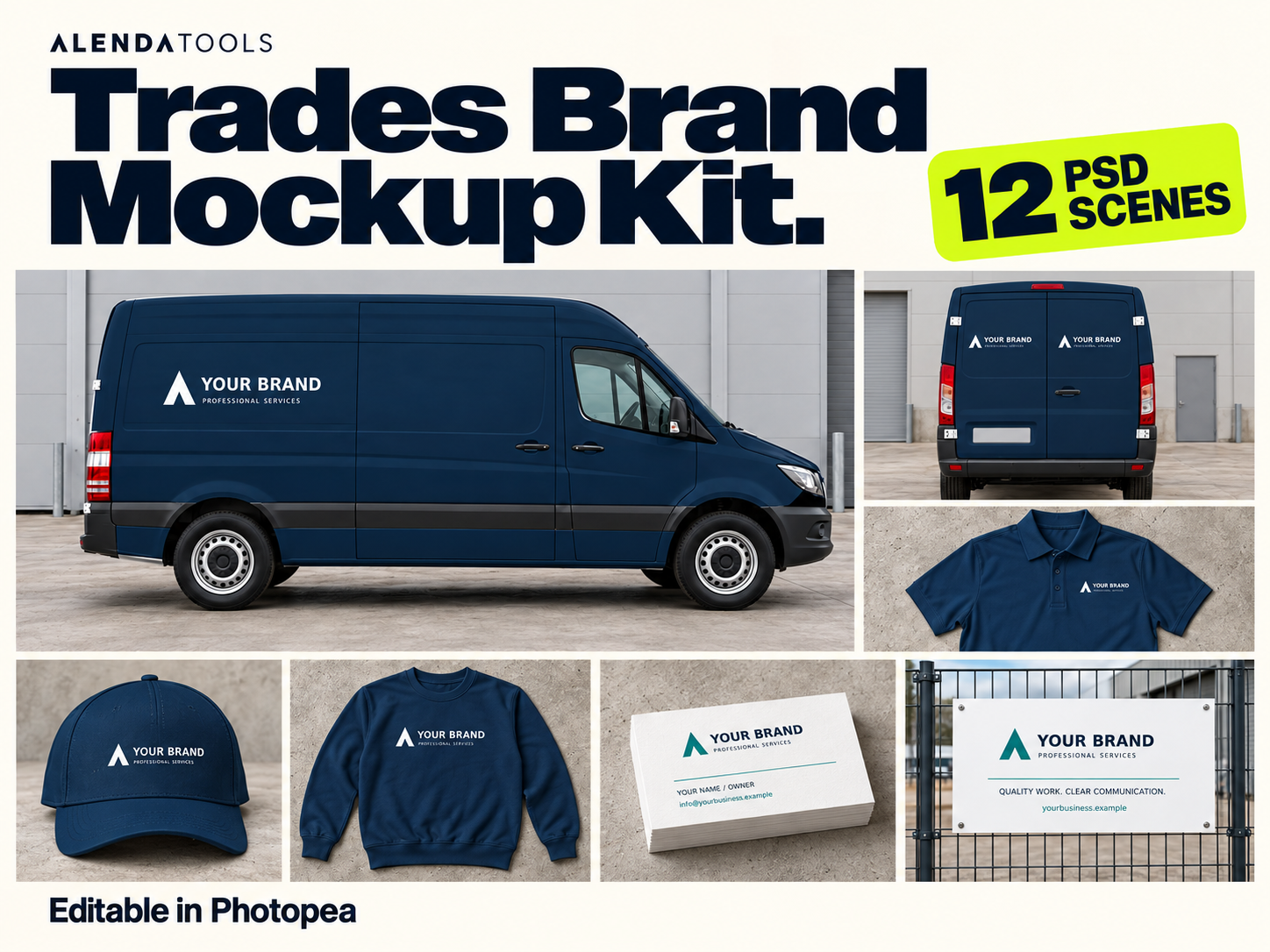
Trades Brand Mockup Kit
Give your trade business a coordinated look. Present your logo across vehicles, workwear, signage and stationery with 12 editable PSD scenes.
- 12 scenes with editable artwork
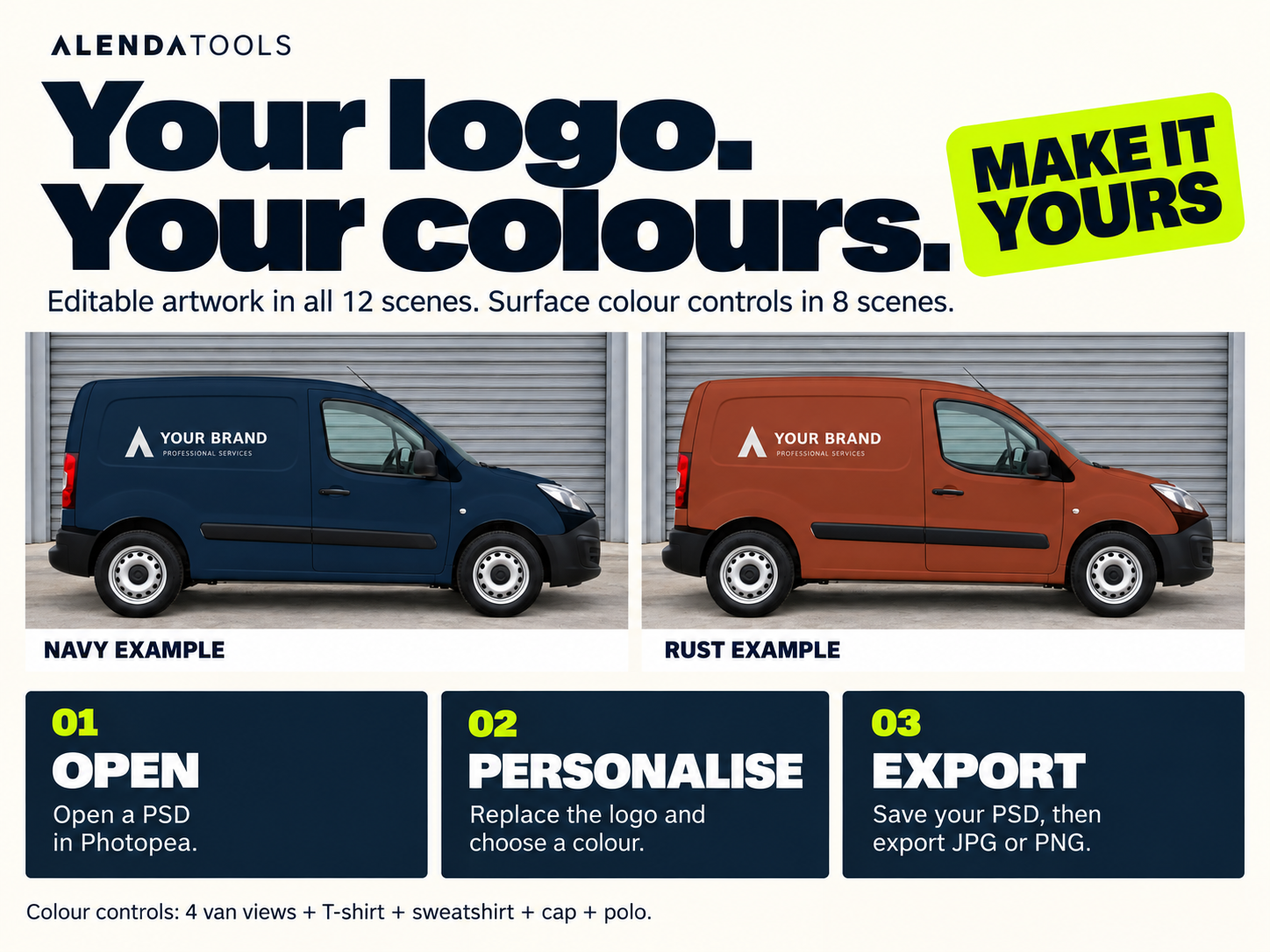
- Surface colour controls in 8 scenes
- Tested in Photopea on desktop
- English PDF guide and commercial-use licence
£7.90
Buy nowSecure checkout · Digital download · Approximately 130 MB
What you receive
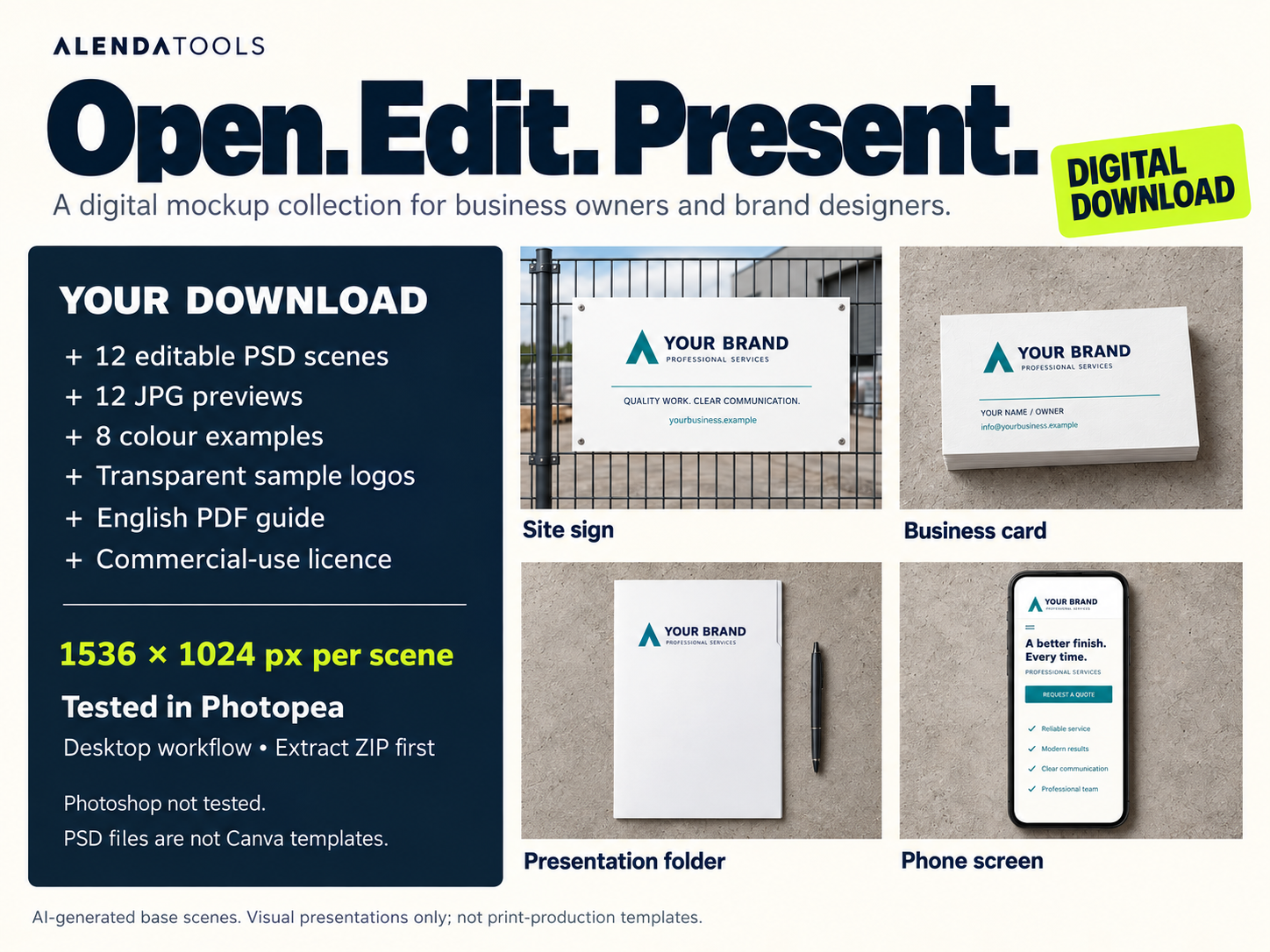
- 12 editable PSD scenes, each 1536 × 1024 px
- 12 JPG previews and 8 colour examples
- Transparent sample logos and sample artwork
- English PDF guide and commercial-use licence
All 12 scenes
Van side · Van rear · Work T-shirt · Work sweatshirt · Site sign · Business card · Presentation folder · Phone screen · Compact van side · Compact van rear · Work cap · Work polo
Before you buy
Tested in Photopea using a desktop workflow. Photoshop has not been tested. These PSD files are not Canva templates. Software is not included.
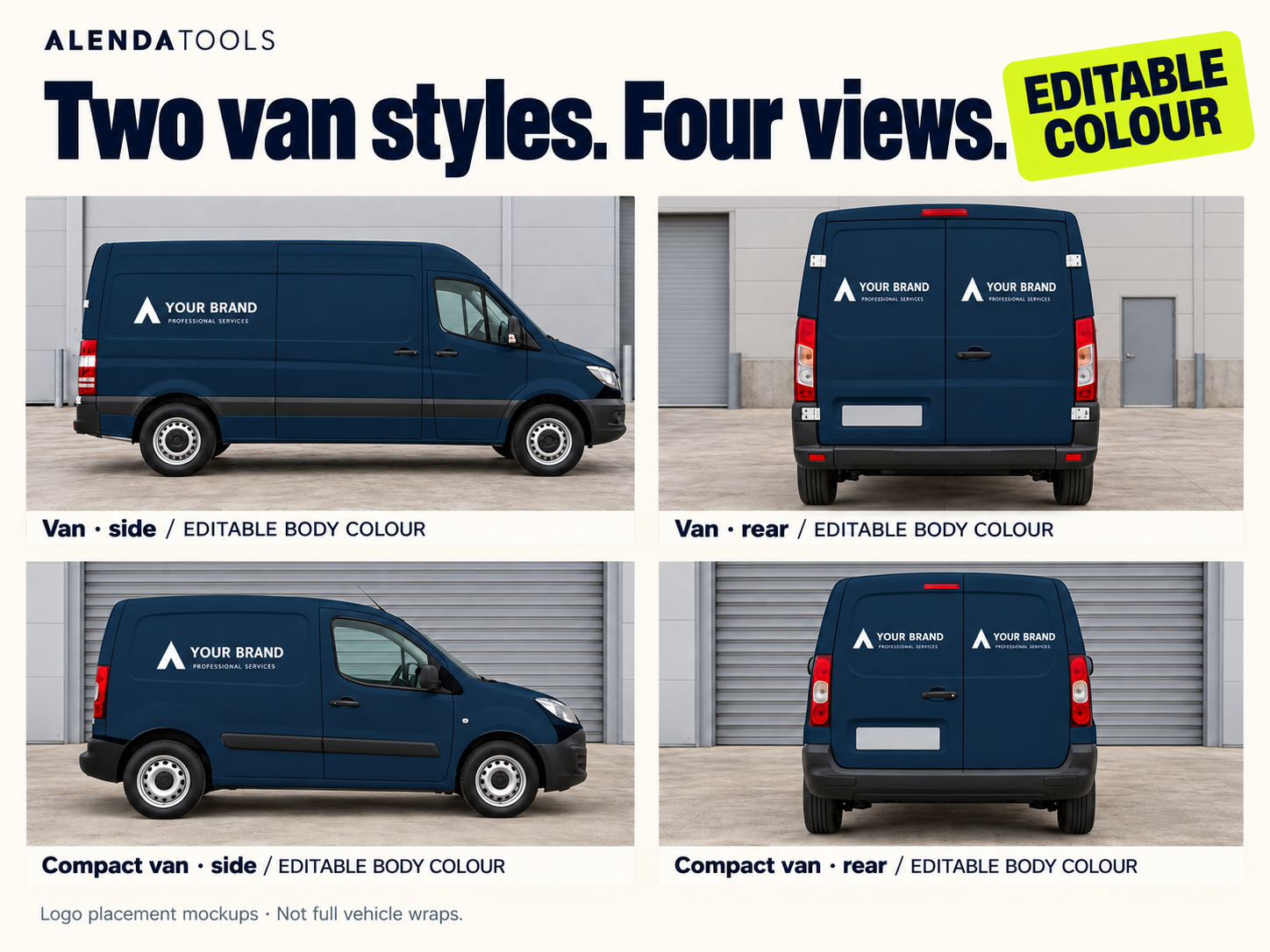
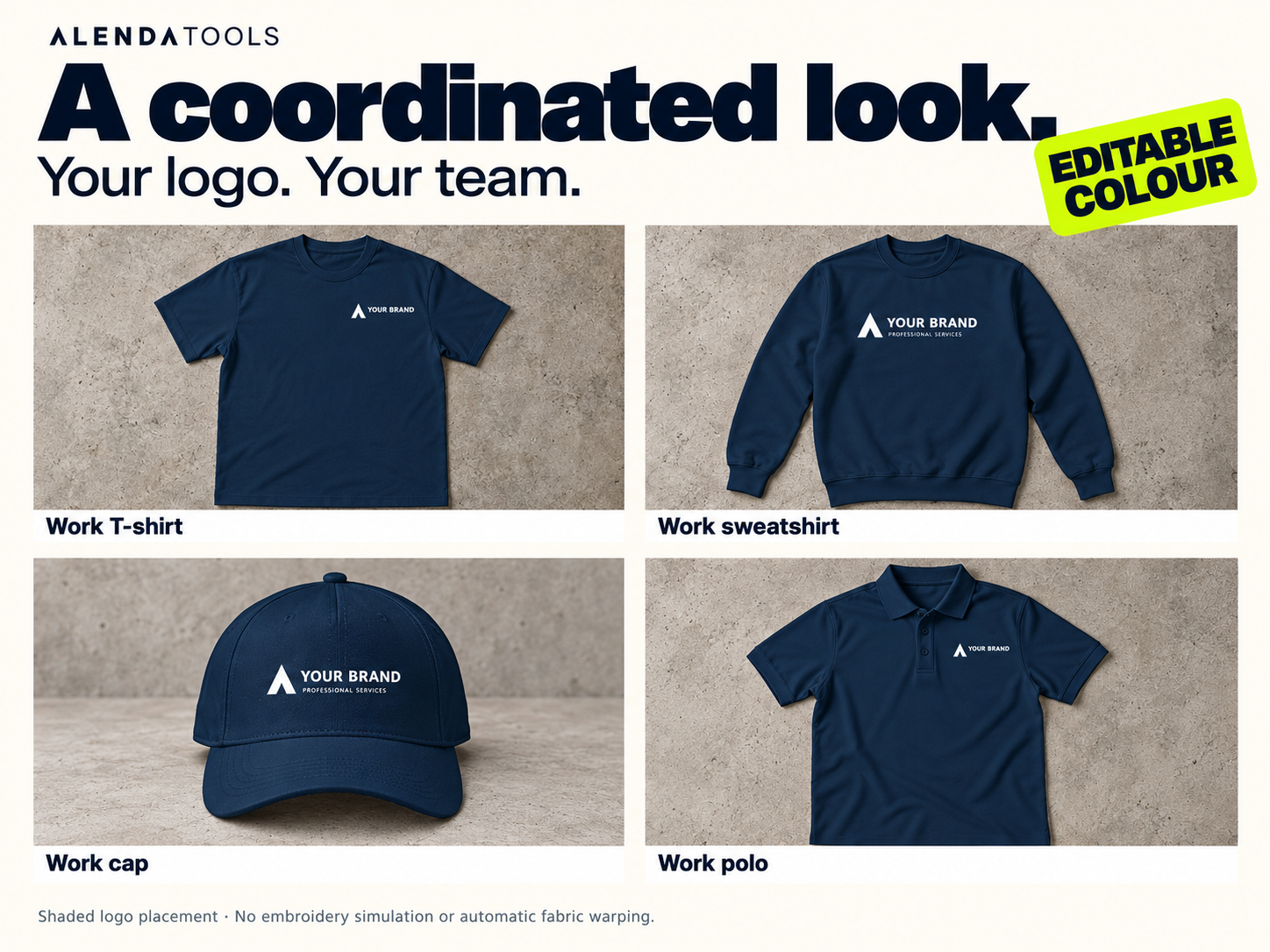
Replace the artwork in all 12 scenes. Change the surface colour in the four van views, T-shirt, sweatshirt, cap and polo.
Logo placement mockups, not full vehicle wraps. Clothing uses shaded logo placement, without embroidery simulation or automatic fabric warping.
AI-generated base scenes. These are visual presentation assets, not print-production or manufacturing templates. White artwork may appear transparent on the site sign, business card and presentation folder because those artwork layers use Multiply blending.
Download the ZIP and extract it before use. No physical products are shipped.
Explore the kit
See every scene, the colour controls and what is included. Select an image to view it at full size.
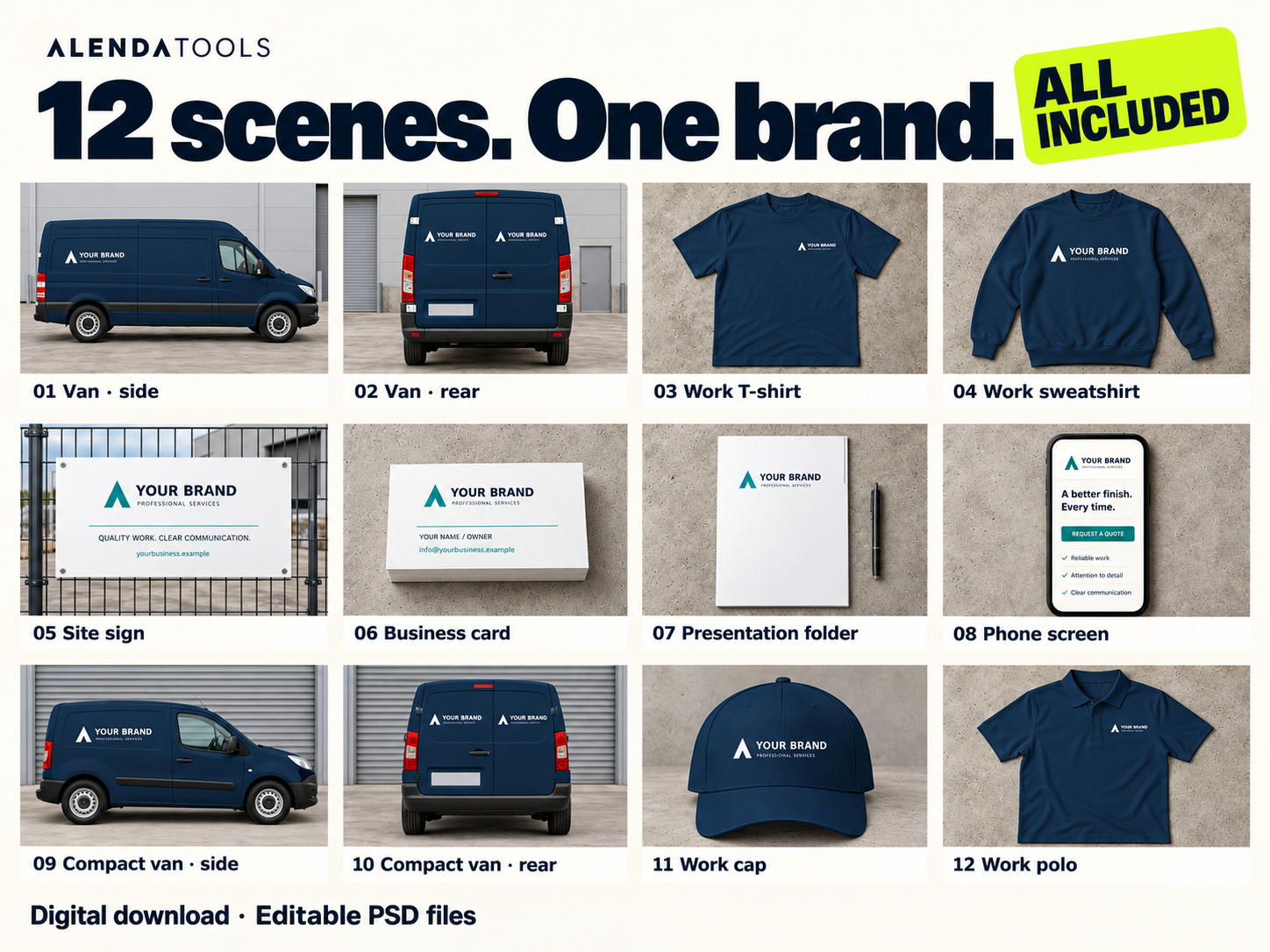
One brand, across your business
Vehicles
Large and compact vans, each with side and rear views.
Workwear
A T-shirt, sweatshirt, cap and polo to present a coordinated team.
Everyday touchpoints
A site sign, business card, presentation folder and phone screen.
Open. Edit. Present.
Open a scene
Extract the ZIP and open a PSD in Photopea on your computer.
Make it yours
Replace the sample artwork and adjust the available surface colour controls.
Export your presentation
Save your editable PSD, then export a JPG or PNG for your portfolio, website or client presentation.
Commercial use included
One purchase covers one individual or business, with unlimited personal and commercial projects for yourself or clients. Deliver flattened images to clients. Editable source files require a separate licence for each client or external collaborator. Do not redistribute the PSDs or included assets, or sell exported scenes as standalone mockups or stock images.
Present your brand with confidence.
12 editable scenes for your next branding presentation.
Get the kit · £7.90